



Description
Download Tab Pro #1 guitar tab service – guitar tabs, chords, lyrics, offline access
Overview
Tab Pro #1 guitar tab service is a free Android application designed to assist guitar players in discovering, viewing, and practicing guitar tabs, chords, and lyrics. The software serves as a digital companion for musicians seeking to learn new songs or improve their playing skills. It is particularly useful for both beginners and advanced guitarists who rely on accurate tablature and structured learning tools. The app provides access to a large library of guitar tabs organized by artist, song title, and genre, enabling users to quickly locate specific pieces. Real-world usage scenarios include practicing songs at home, preparing for performances, or studying new techniques during travel. The app supports offline access, allowing users to retrieve saved tabs without an internet connection, which enhances usability in environments with limited connectivity. It is developed by Tab Pro #1 and has been available since 2017, with its last update recorded on February 1, 2017. The application is compatible with Android 4.3 and later versions, making it accessible to a wide range of devices. While the developer did not provide additional details about the company or its background, the app’s longevity and consistent functionality suggest a stable foundation. The software is available for free on Google Play and other Android app stores, offering broad accessibility to users worldwide.
Key Features & Capabilities
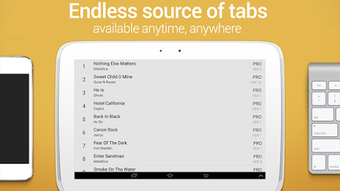
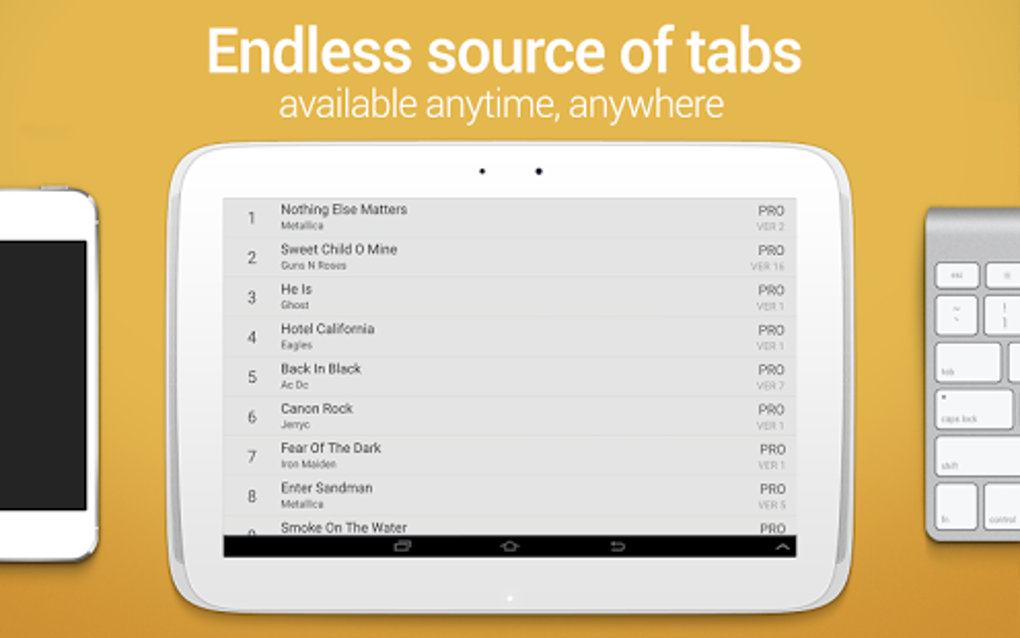
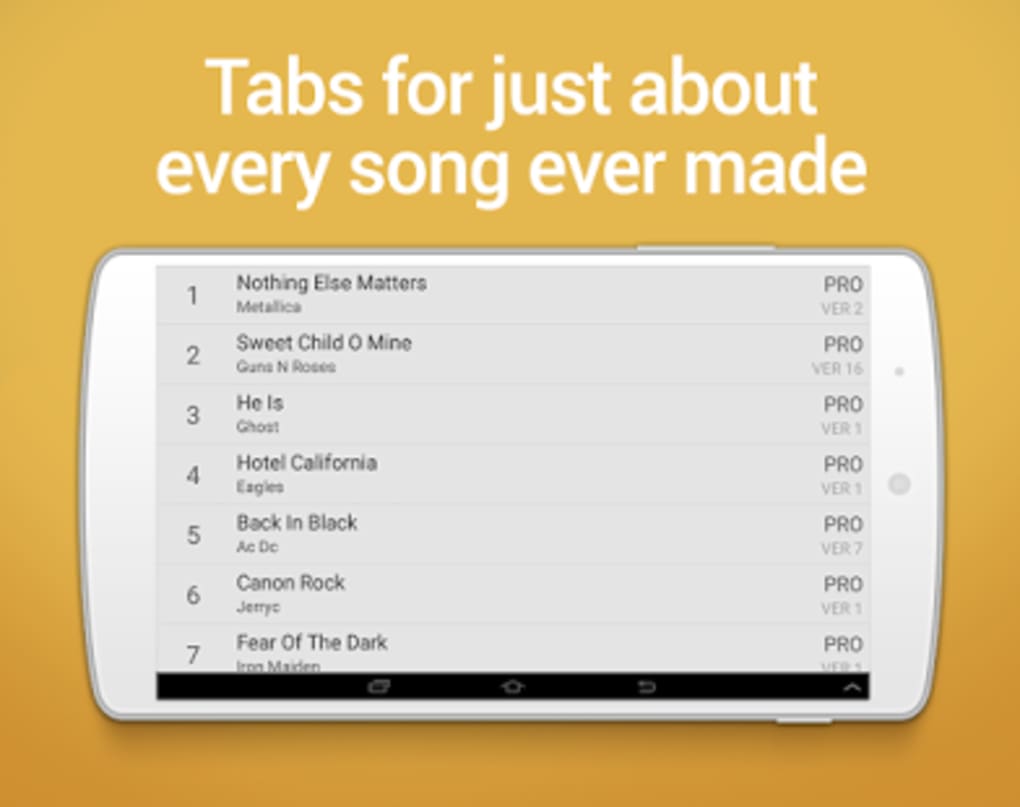
- Extensive Tab Library – Access to a vast collection of guitar tabs, chords, and lyrics across multiple genres and artists, enabling users to explore a wide range of musical styles.
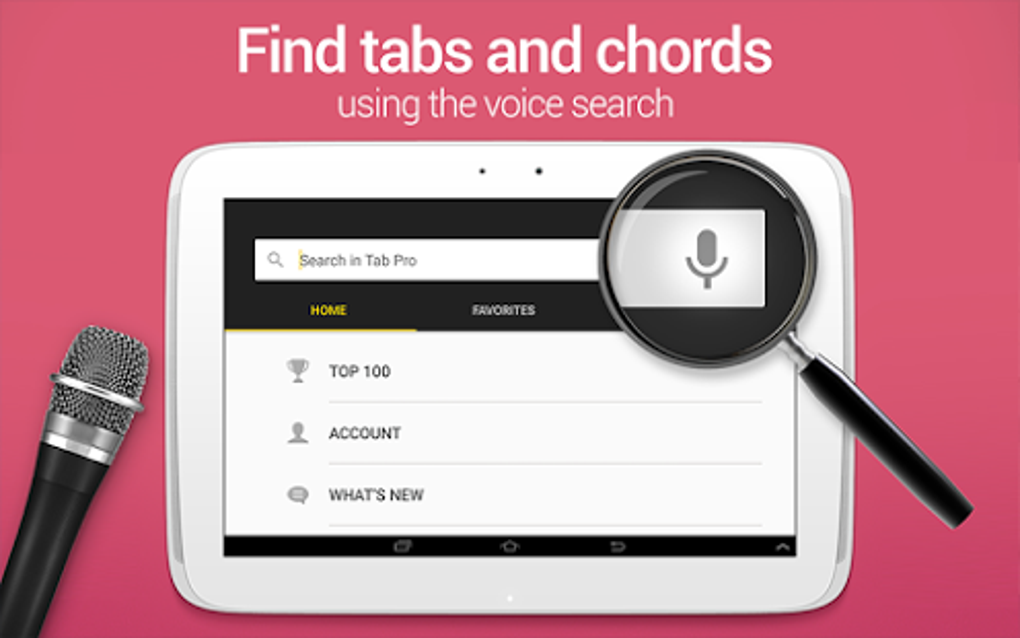
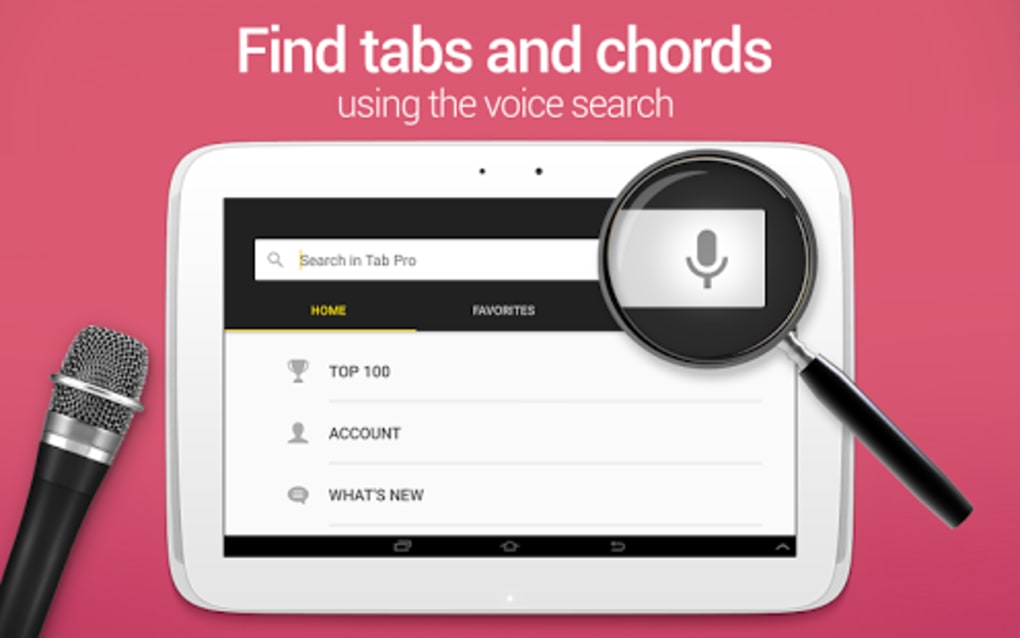
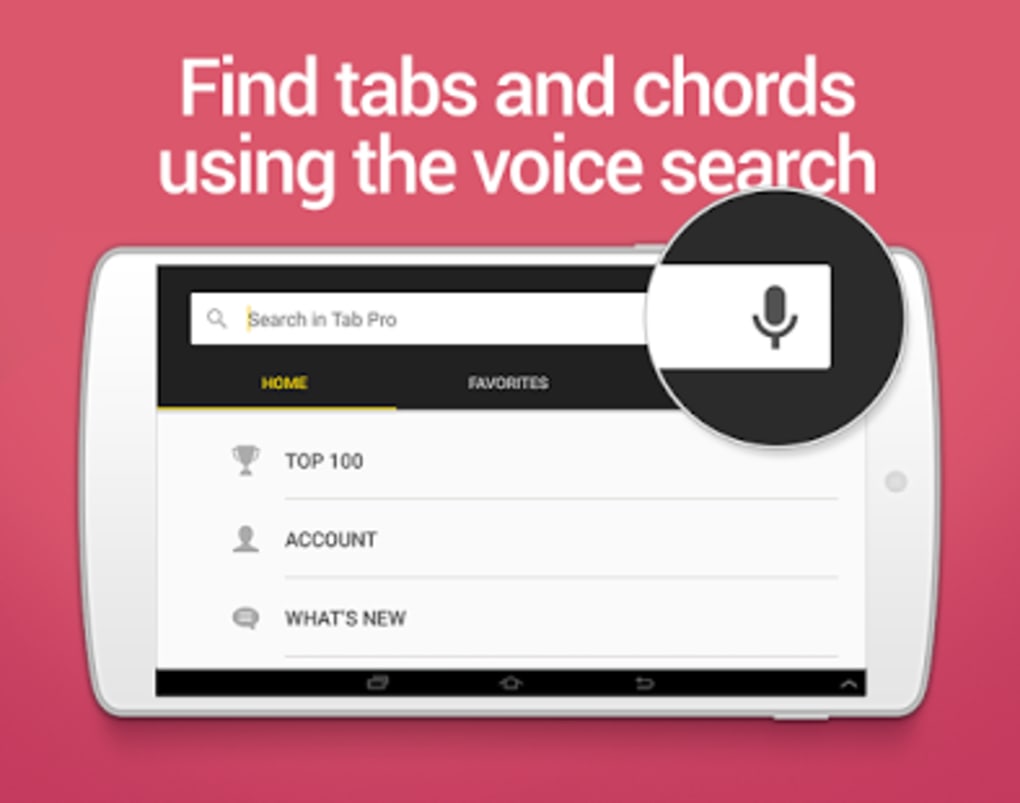
- Advanced Search Functionality – Search for songs by artist name, title, or genre, streamlining the process of finding specific pieces without navigating through extensive lists.
- Offline Access Support – Users can save favorite tabs and access them without an internet connection, making the app ideal for practice sessions in remote or low-connectivity areas.
- Customizable Display Settings – Adjust tab notation size and color schemes to suit individual visual preferences and improve readability during long practice sessions.
- Favorite Saving & Playlist Creation – Save frequently played tabs and organize them into custom playlists for efficient access and structured learning routines.
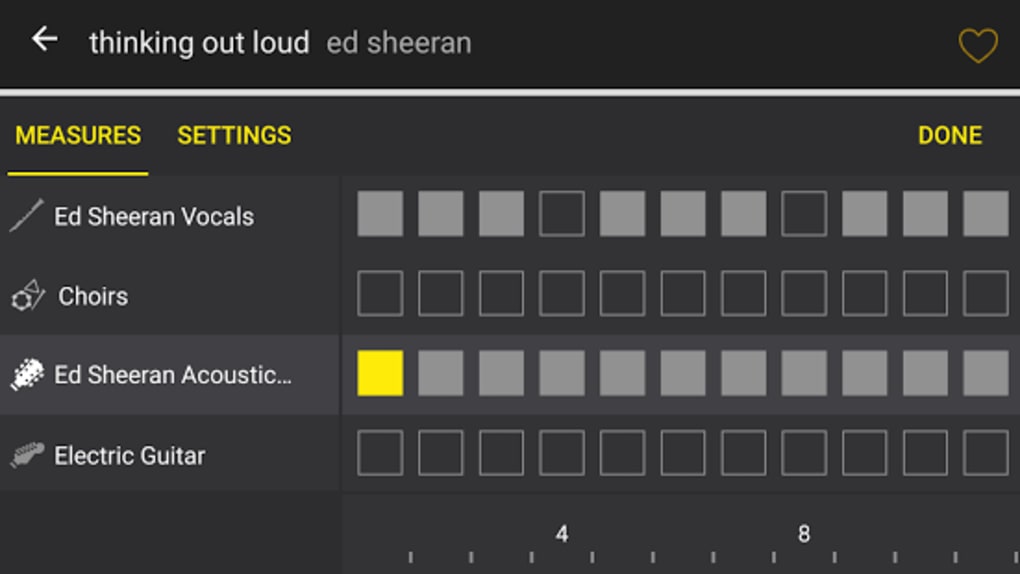
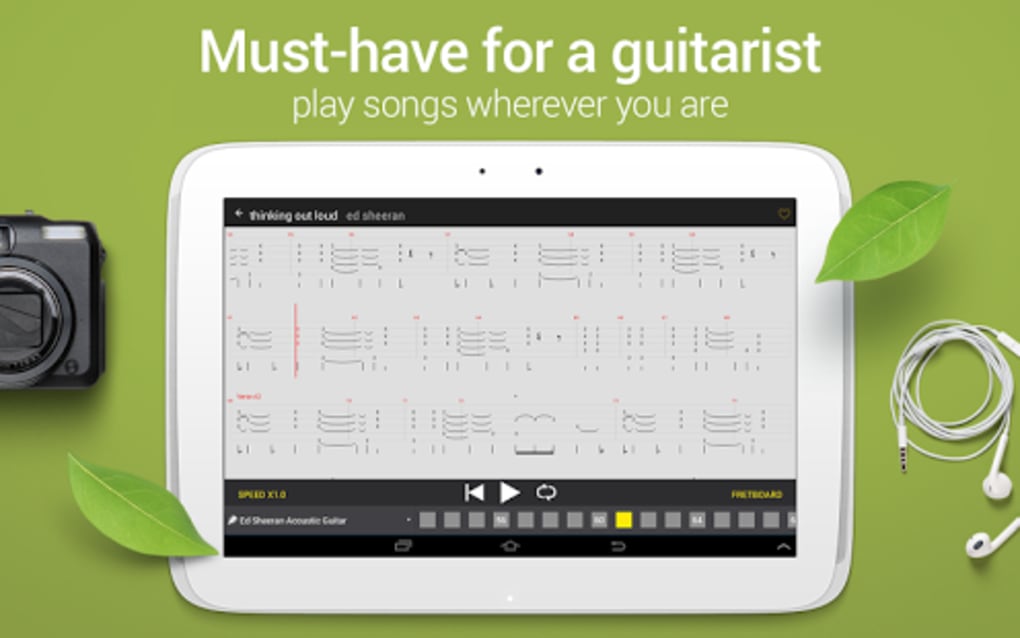
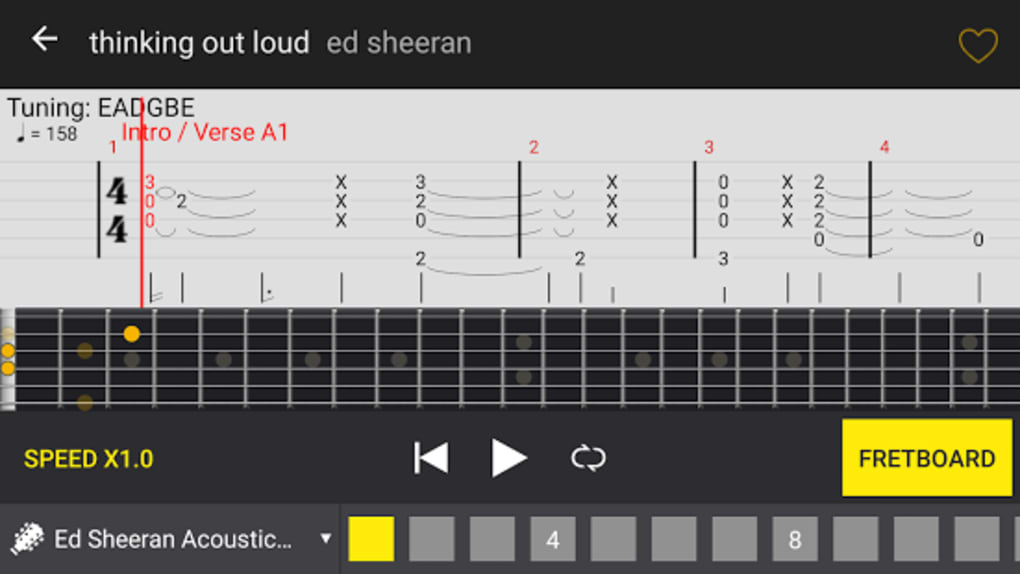
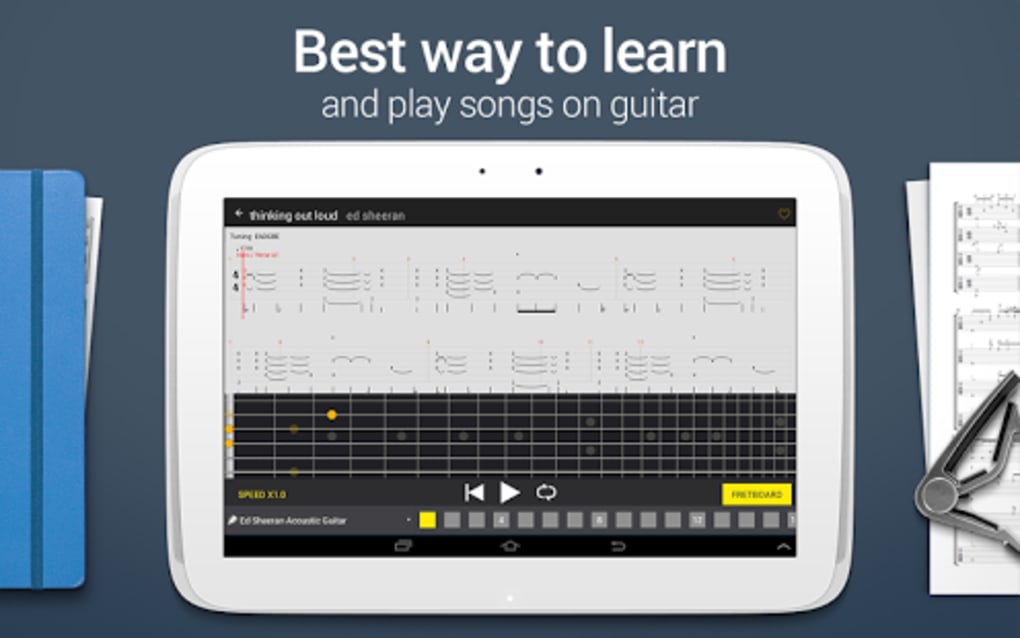
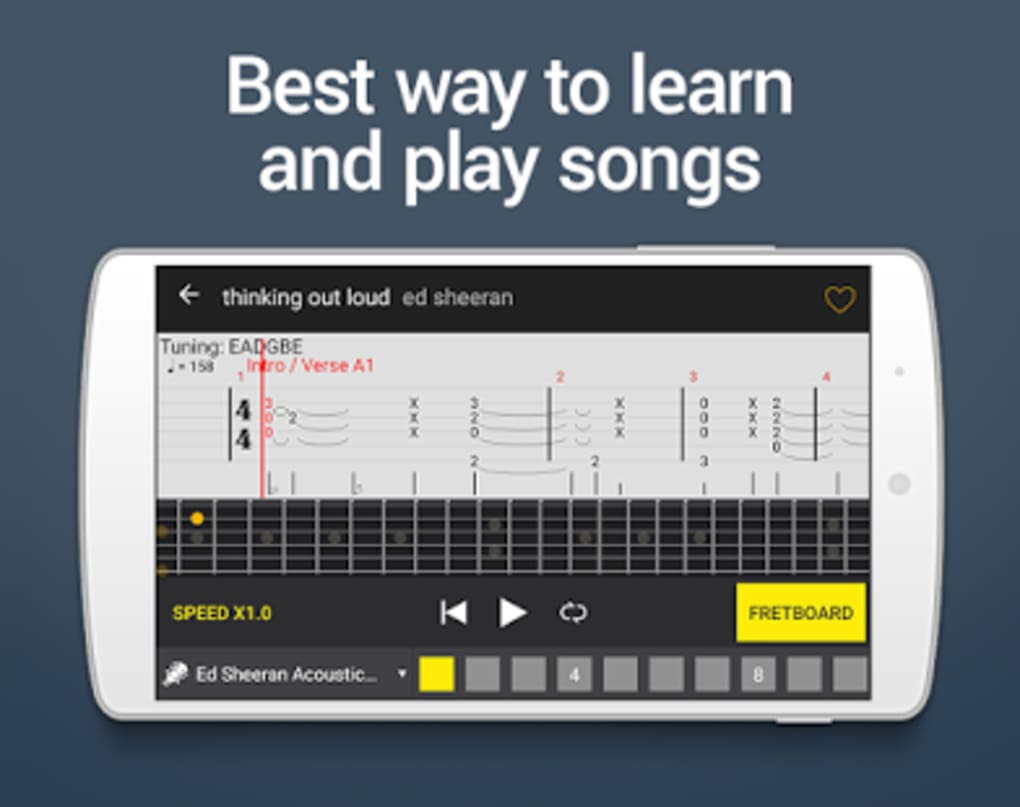
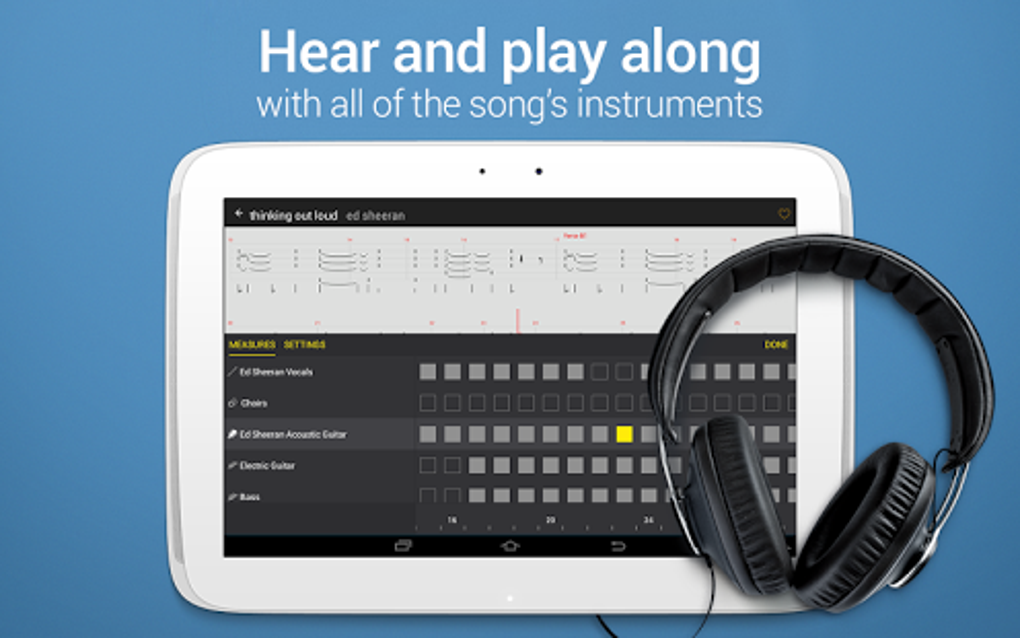
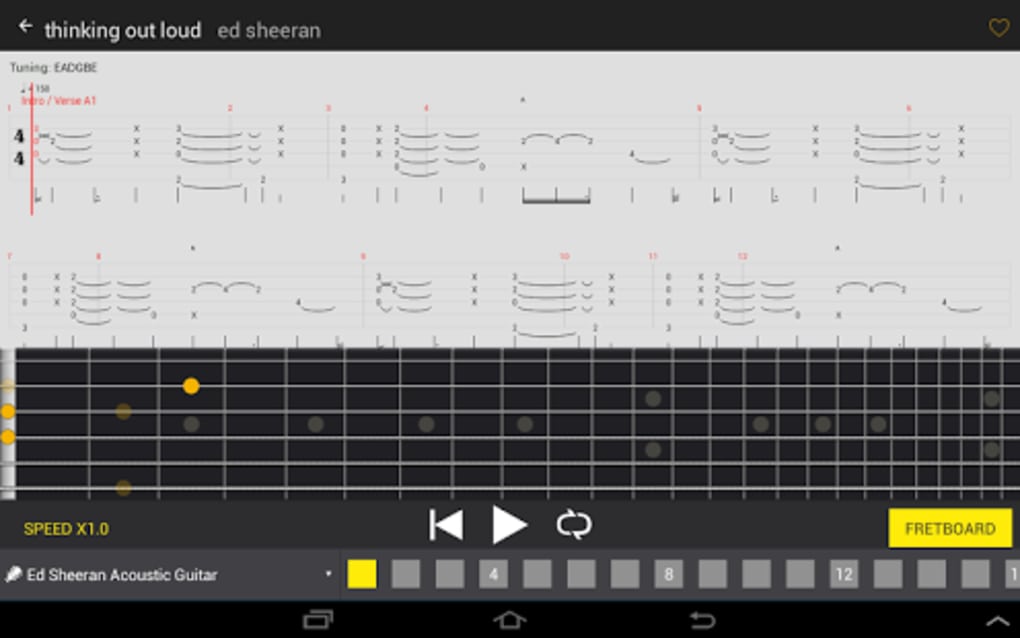
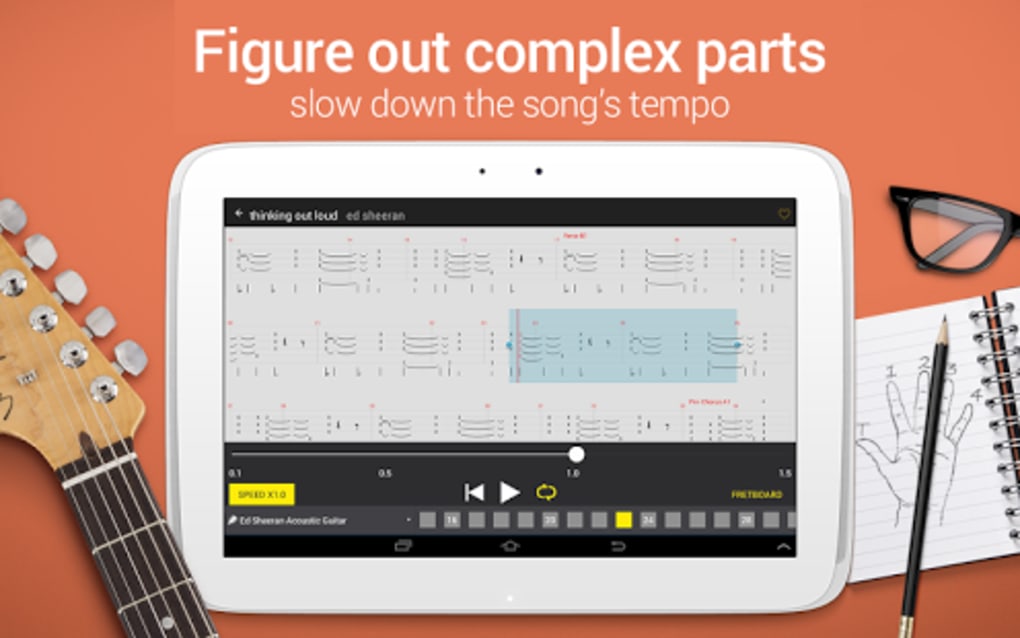
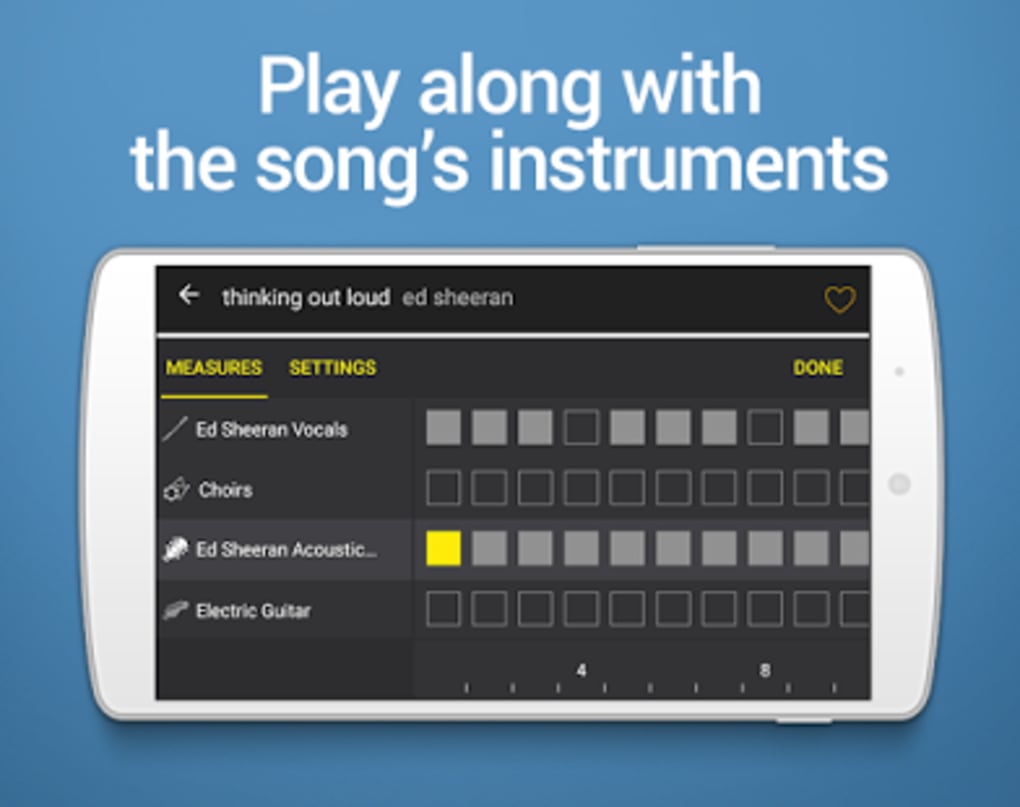
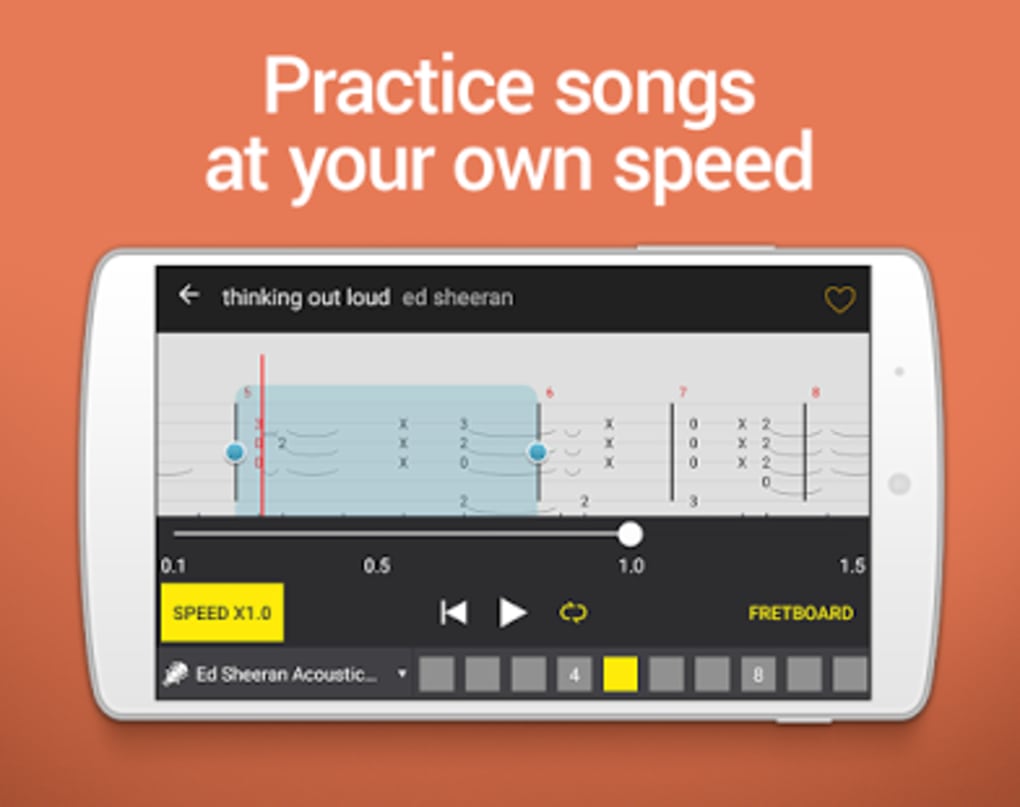
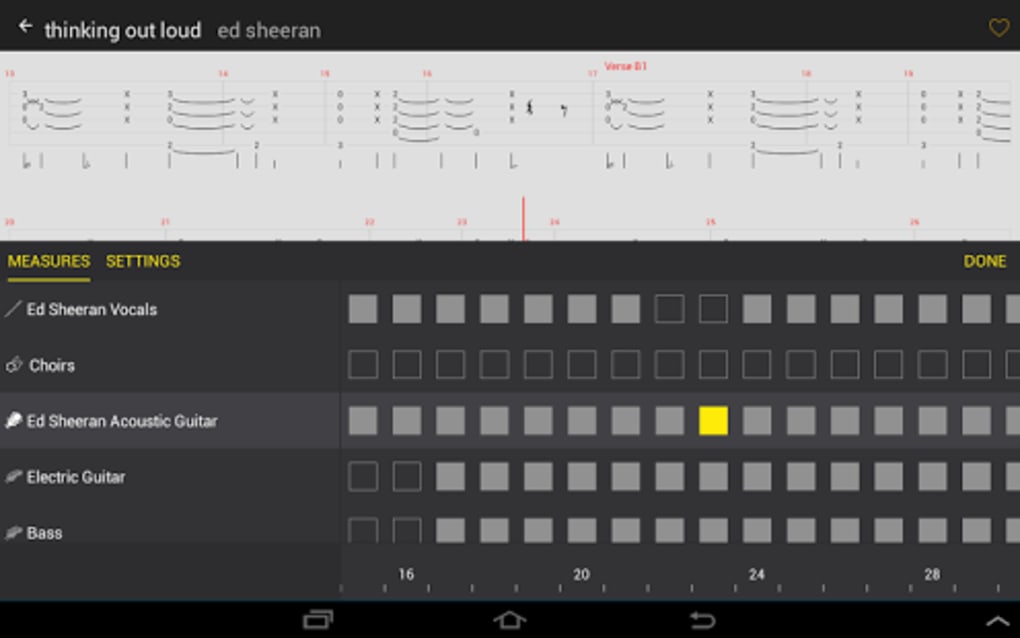
- Integrated Tab Player – Built-in playback feature allows users to hear how a tab should sound, aiding in accurate learning and timing practice.
- Multilingual Interface – Available in English, Chinese Traditional, and Japanese, supporting users from diverse linguistic backgrounds.
These features collectively enhance the user experience by combining accessibility, personalization, and practical functionality. For instance, a beginner might use the search function to find simple beginner tabs, while an advanced player could use the offline mode to practice complex solos during travel. The ability to save tabs and create playlists supports long-term skill development and structured practice schedules. The integrated tab player serves as a valuable auditory reference, helping users match their playing to the intended performance. All features are designed with usability in mind, aligning with the needs of guitar players across different skill levels.
User Interface, Workflow & Performance
The app features a clean and intuitive interface, designed to minimize navigation complexity and support efficient workflow. Users can access core functions—such as searching, viewing tabs, and saving favorites—through straightforward menus and icons. The layout is optimized for touch interaction, making it suitable for use on both smartphones and tablets. Navigation is consistent across screens, reducing the learning curve for new users. The app is described as lightweight and efficient, suggesting minimal impact on device performance. However, the developer did not specify resource usage details, such as CPU or RAM consumption. Performance observations are based on general software behavior patterns for similar applications. Stability is implied through the app’s long-standing availability and consistent updates. While no specific benchmarks were provided, the app’s ability to function offline and maintain responsiveness during playback indicates a reliable core operation. The user workflow is streamlined, allowing for quick transitions between searching, viewing, and practicing tabs. The interface remains uncluttered, focusing on essential tools and minimizing distractions. Overall, the design supports a smooth and focused practice experience.
Compatibility & System Requirements
Tab Pro #1 guitar tab service is designed for Android 4.3 and higher versions, ensuring compatibility with a broad range of Android smartphones and tablets. The application is available on Google Play and other Android app stores, facilitating easy access for users across different regions. The software version is 3.2.10, with its last update recorded on February 1, 2017. The install size varies depending on the device and the content downloaded, as the app includes a growing library of tabs. The developer did not specify exact system requirements beyond the OS version. No hardware-specific demands were listed, such as minimum RAM or processor speed. Compatibility information was partially provided, with the OS and version clearly stated. The app is designed to work efficiently on various Android devices, including both mobile and tablet form factors. Users are advised to ensure their device meets the minimum Android version requirement for installation. The app’s lightweight nature suggests it is suitable for devices with moderate hardware specifications.
Pros and Cons
Pros
- Free to download and use with no hidden costs
- Supports offline access for uninterrupted practice
- Large library of guitar tabs, chords, and lyrics
- Customizable display settings for improved readability
- Integrated tab player for auditory learning
- Simple, intuitive interface suitable for all skill levels
- Available in multiple languages including English, Chinese Traditional, and Japanese
Cons
- Last update was in 2017, raising concerns about current compatibility and feature support
- No recent updates suggest potential lack of bug fixes or security patches
- Exact system requirements beyond OS version were not specified
- Install size varies and may grow with downloaded content
- App availability limited to Android platform only
FAQ Section
Is Tab Pro #1 guitar tab service safe to use?
The app has been tested for security and is reported to be safe to use. It is available on official app stores like Google Play, which adds a layer of verification.
Can I use the app without an internet connection?
Yes, the app supports offline access. Once tabs are saved, they can be accessed and viewed without an internet connection.
Is the app free to download and use?
Yes, Tab Pro #1 guitar tab service is completely free to download and use. There are no in-app purchases or subscription fees mentioned.
What operating systems does the app support?
The app is compatible with Android 4.3 and higher versions. It is available for smartphones and tablets running the Android OS.
Does the app receive regular updates?
The last update was on February 1, 2017. While the app remains functional, the lack of recent updates may affect compatibility with newer Android versions or devices.
Final Thoughts + CTA
Tab Pro #1 guitar tab service remains a functional and accessible tool for guitar players seeking a free, offline-capable solution for learning and practicing music. Its clean interface, extensive tab library, and customizable settings make it a practical choice for both beginners and experienced musicians. While the app’s last update dates back to 2017, it continues to serve its core purpose effectively for users on compatible Android devices. The inclusion of offline access, a built-in player, and multilingual support enhances its usability across diverse environments. However, the absence of recent updates raises questions about long-term sustainability and compatibility with modern devices. Despite this, the app’s lightweight design and free availability make it a viable option for those who prioritize accessibility and simplicity. For guitarists looking for a no-cost, straightforward tool to explore tabs and chords, Tab Pro #1 offers a solid foundation. Download Tab Pro #1 guitar tab service now.
Guides & Tutorials for Tab Pro 1 guitar tab service
How to install Tab Pro 1 guitar tab service
- Click the Preview / Download button above.
- Once redirected, accept the terms and click Install.
- Wait for the Tab Pro 1 guitar tab service download to finish on your device.
How to use Tab Pro 1 guitar tab service
This software is primarily used for its core features described above. Open the app after installation to explore its capabilities.
User Reviews for Tab Pro 1 guitar tab service 0
No reviews found





